
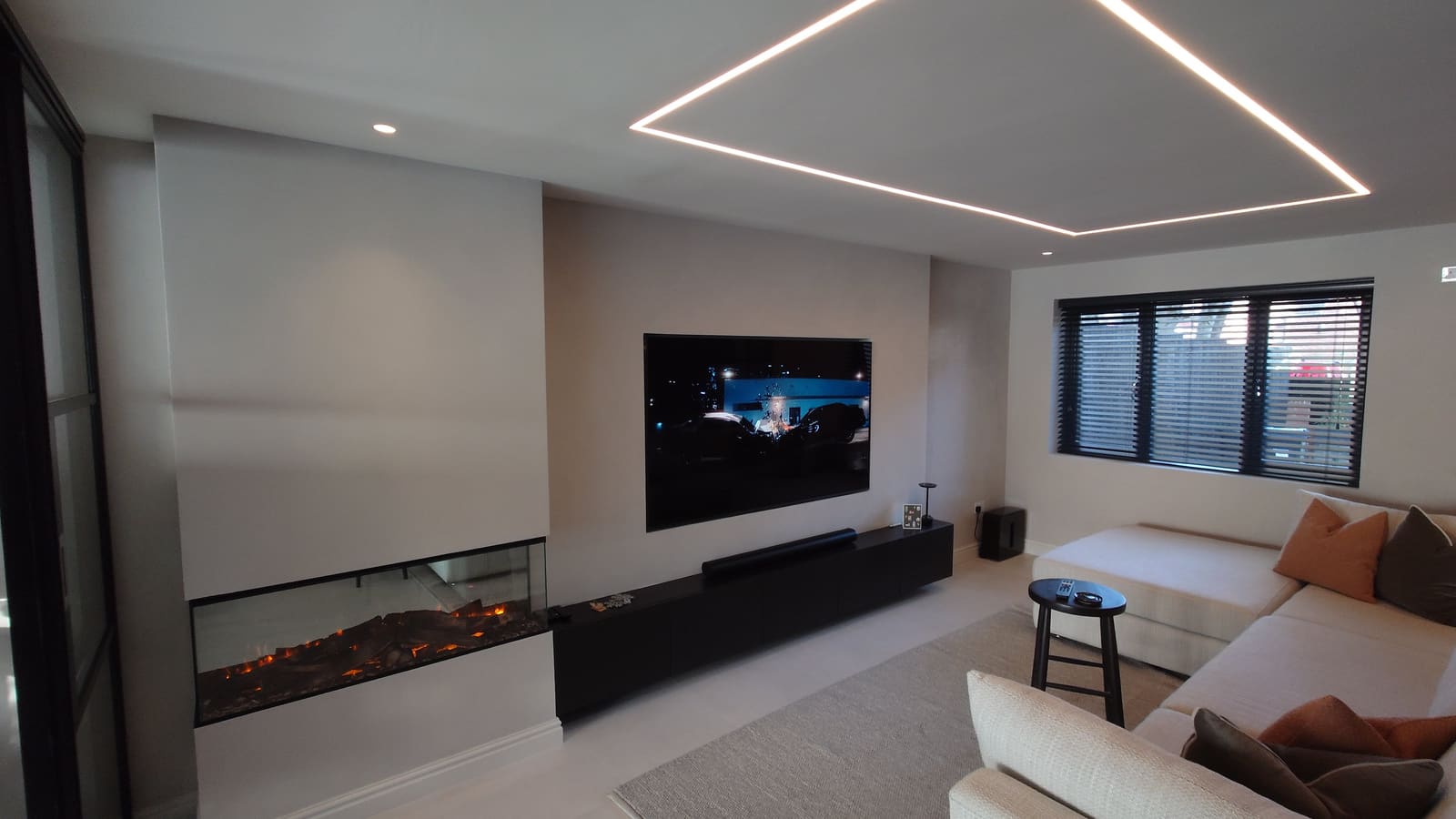
A smart home should make life simpler, not more complicated. Every system is designed around the people who live there. We listen to how you use your home, then programme it to suit you, keeping it intuitive for everyone in the family and for guests too.
Control4 suits new builds and retrofits, and can grow with you as your needs change. After handover, our aftercare memberships keep everything running smoothly.
Everything working together
Control4 is the operating system at the centre of your smart home. It connects the devices in your home, lets them talk to each other and puts them all under one control. It even lets products that wouldn't normally work together act as one system. Control4 works with more than 25,000 third-party products from leading brands, so you can keep the kit you already trust. It's built to be private and secure.
- Lighting and dimming
- Heating and climate
- Music and TV in any room
- Cameras, alarms and door locks
- Blinds and curtains
The Control4 X4 app
The latest Control4 app, X4, opens on a home screen built around you. It shows your favourite devices with their live status, from lights and blinds to security and entertainment, so you can see and control everything at a glance. Widgets can be swapped, resized and rearranged, giving quick access to things like cameras and device status. You can add favourites for the rooms, scenes and playlists you use most, and even set your own wallpaper. The app runs on iPhone, iPad and Android phones and tablets, so you're in control from the sofa, the garden or further afield.
Remotes, touchscreens, keypads and voice
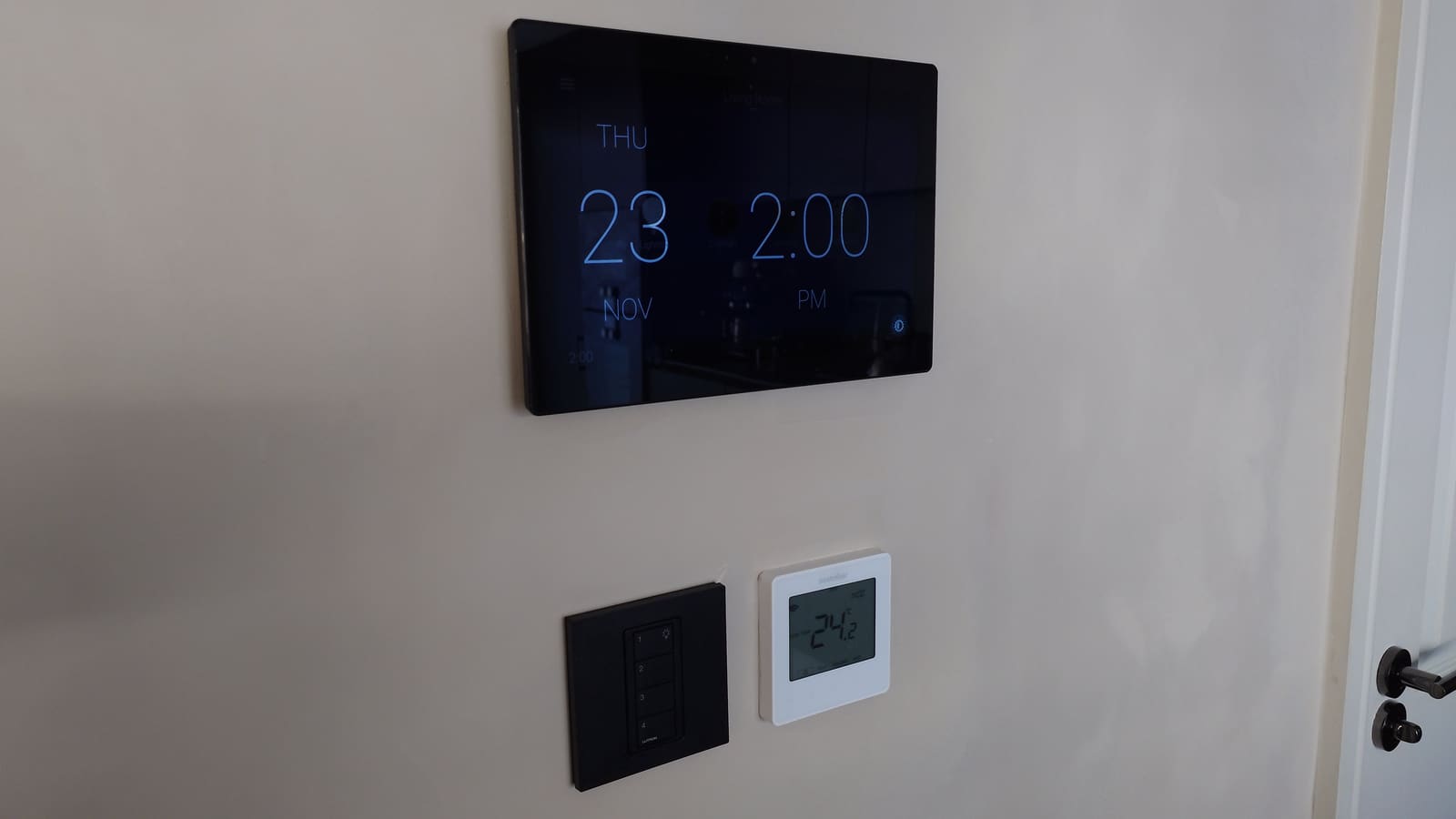
You don't need your phone to use Control4. A handheld remote and on-screen TV menus let you run a single room or the whole house. Touchscreens can be fixed to the wall where you need them most or carried from room to room. Control4 keypads replace ordinary light switches and can control much more than the lights. If you'd rather just ask, Control4 works with Amazon Alexa, Google Assistant and Apple's Siri.
Scenes and routines
Scenes set off several actions with a single press, voice command or schedule. Routines in X4 add flexible timings that you can adjust whenever you like. A few examples:
- Good Morning. At your chosen time the blinds open slowly, the heating comes up and the news comes on.
- Away. One tap turns off the lights, music and TVs, locks the doors, sets the alarm and turns the heating down.
- Welcome Home. Opening the garage brings on the lights, puts on your evening channel and closes the blinds.
- Goodnight. One keypad press turns off unneeded lights and TVs, locks the doors and sets the alarm.
You can also schedule lighting and heating to help save energy, and get notifications about devices, sensors and activity around the home.
Whole-home entertainment
See what's playing in every room from one screen. You can change the volume, add or remove rooms, or turn everything off in one go, all with fast, simple navigation.
Lutron lighting, blinds and Apple
Control4 works with Lutron lighting and with motorised blinds and curtains, so your lights and shades can be part of every scene. Lutron and Somfy are both on Control4's list of supported brands. Control4 also links with Apple Home, which brings Siri, CarPlay and Apple widgets. With the optional Control4 Connect service you also get remote access, the fuller Apple features and ongoing feature updates.
Why iSmart
- Design. We plan your system around how you live, room by room.
- Installation. Our team fits, programmes and tests everything, with tidy wiring and a clean finish.
- Aftercare. Control4 is set up for you by your installer and grows with you. Our aftercare memberships keep your system updated, adjusted and supported as your needs change.